Account Creation Flow
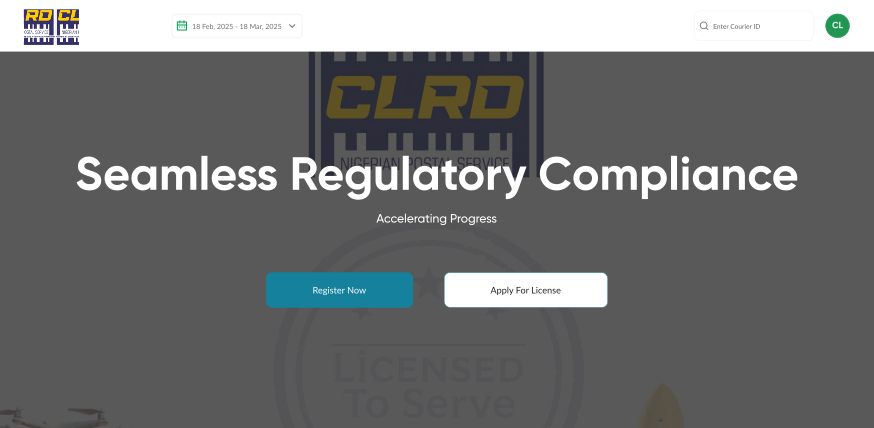
1. Landing Page: User lands on the CLRD login page.
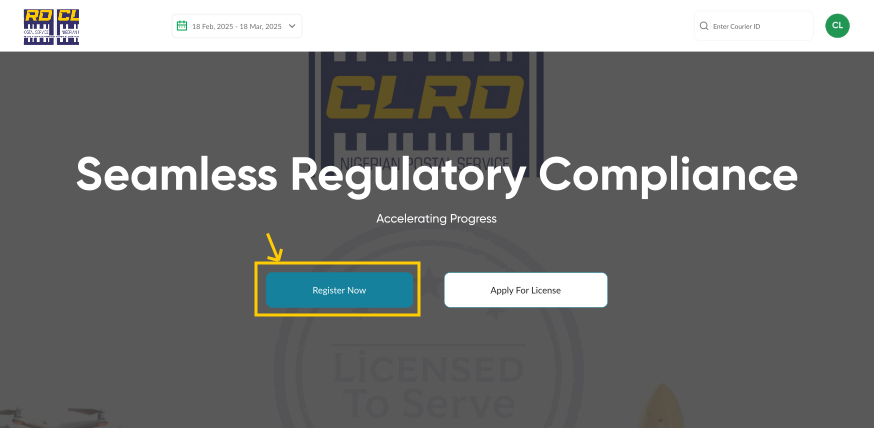
2. Create Account: User clicks on the "Create Account" button.
3. Select user type: User selects Courier Professional from the options.

4. Phone Number Input: User is redirected to the account creation form and inputs their valid phone number..
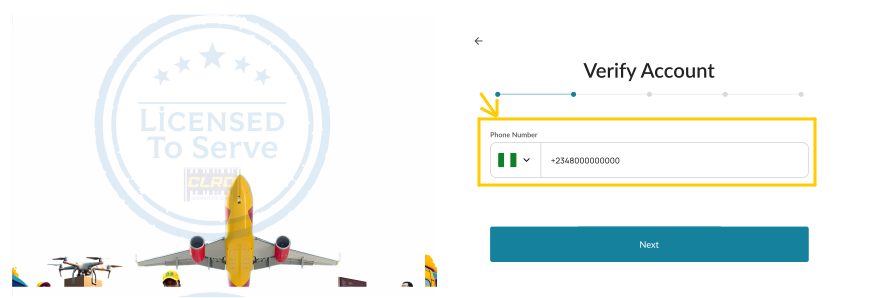
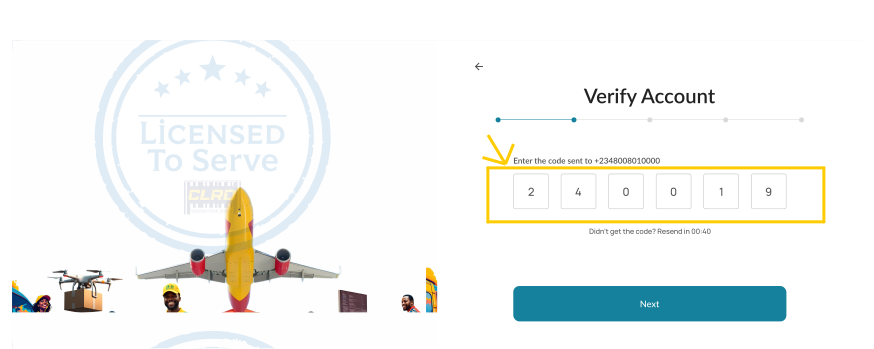
5. OTP Verification: System sends an OTP (One-Time Password) to the provided phone number. User enters the OTP on the verification page.
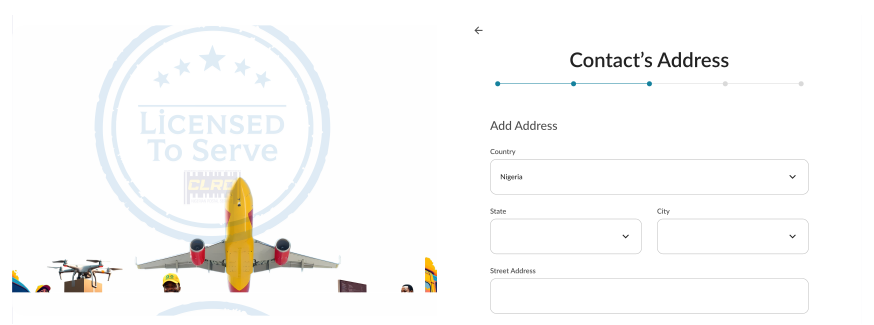
6. Contact Address Input: User provides their contact address.
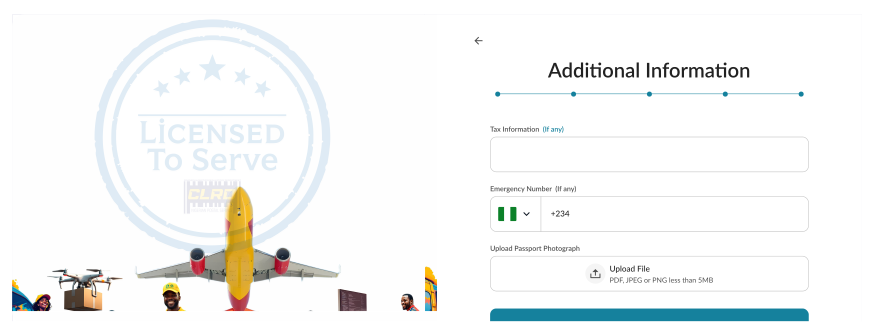
7. Additional Information & Passport Photo: User fills in additional required information and uploads a passport photograph.
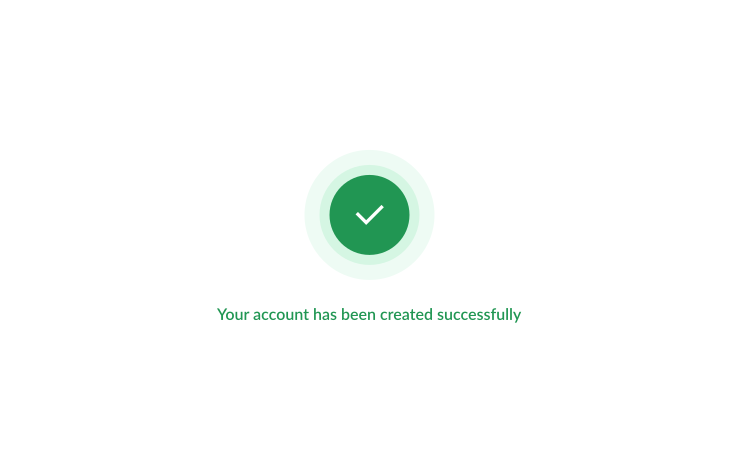
8. Account Creation Confirmation: System processes the information. Upon successful creation, a confirmation message is displayed to the user, indicating successful account creation.